Rulers and Guidelines
Rulers can be added to the Working Area using the View menu.
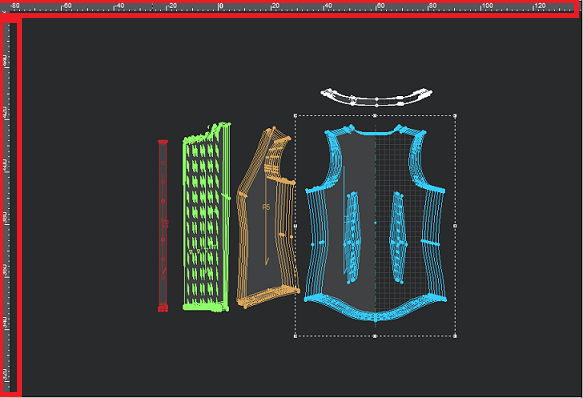
Guide lines can be added by clicking and holding on the horizontal or vertical ruler and dragging them into the workspace. You can drag guide lines around the workspace or remove them by dragging them back to the ruler.
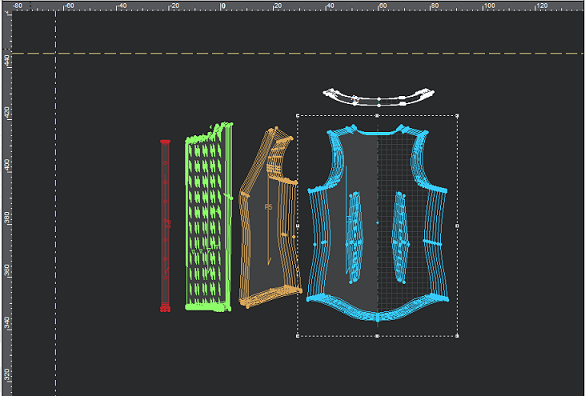
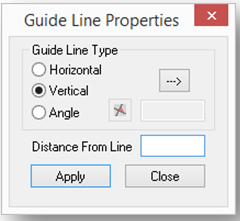
To enter a specific measurement, double click on a drag line and enter the desired value.
To delete all Guidelines, press Ctrl + Alt + G. To delete a single line, select it and press delete on your keyboard.