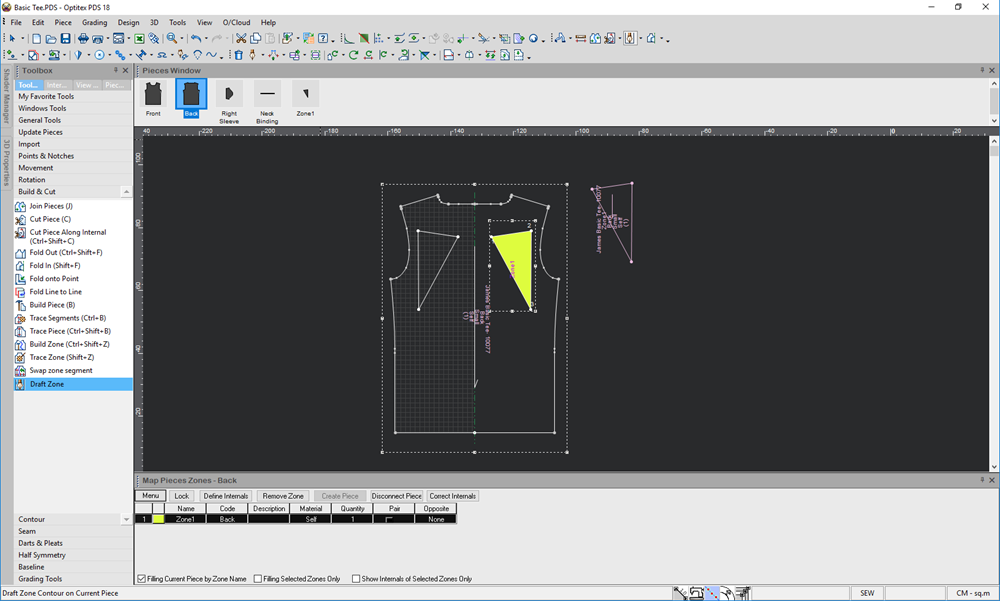
Draft Zone
The Draft Zone tool allows you to use the Draft tool on a piece to create a zone. Once you finish drafting, the new piece automatically becomes a zone. This is usually used for leather when you want to create quality for a zone.
Icon & Location:
-

-
Toolbar: Piece
-
Toolbox: Build & Cut
To use the Draft Zone tool:
-
Create the piece you are using as the base of your Map Zone.
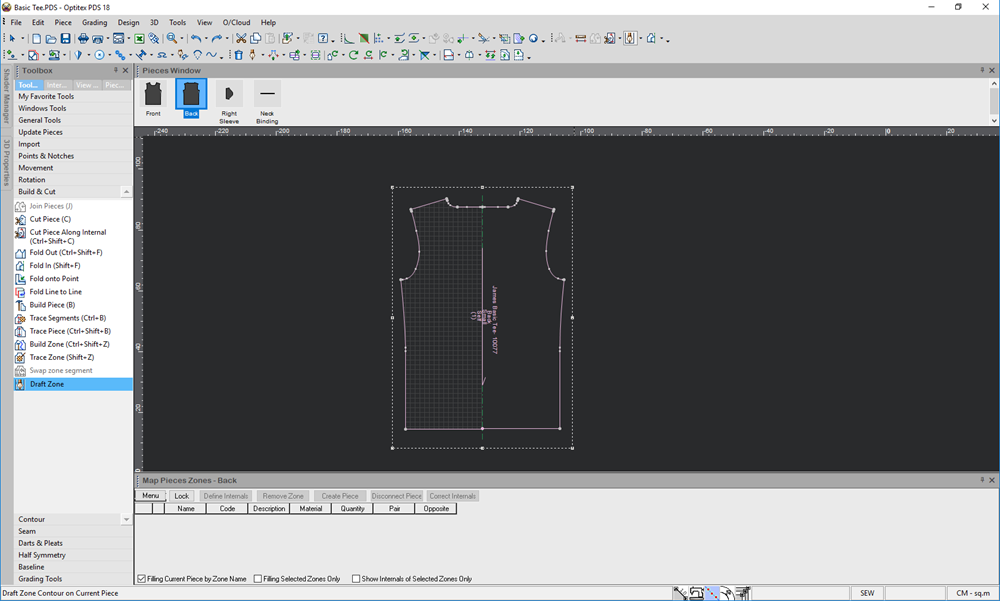
-
Select the Draft Zone tool.
-
Start drafting inside the piece.
-
When you are done drafting, click with your mouse.
A new zone is created and a new row appears in the Map Piece Zone window as follows: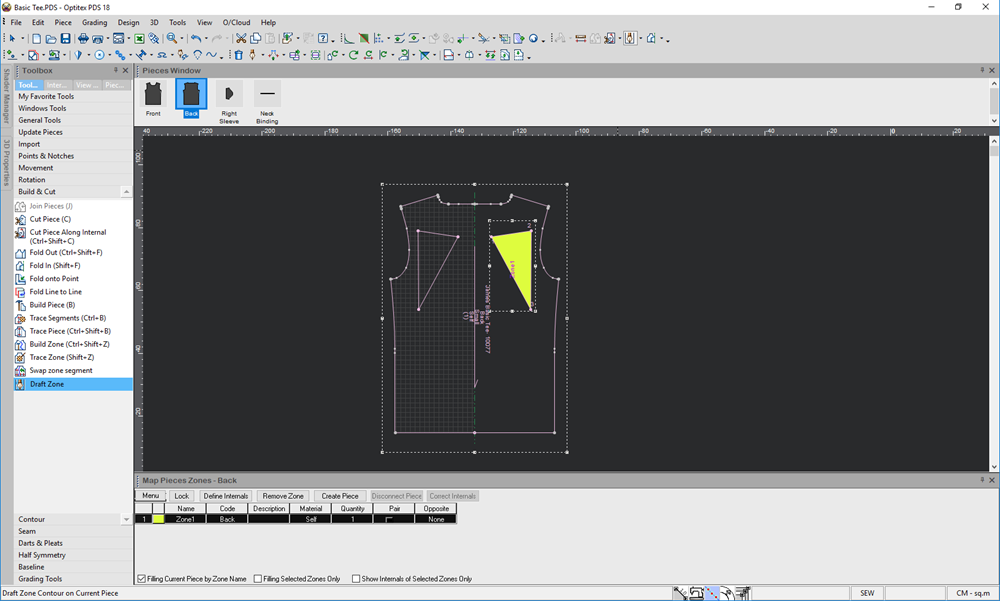
-
Click Create Piece if you want to transform the zone into a piece.
Notice the piece appears next to the map zone as follows: