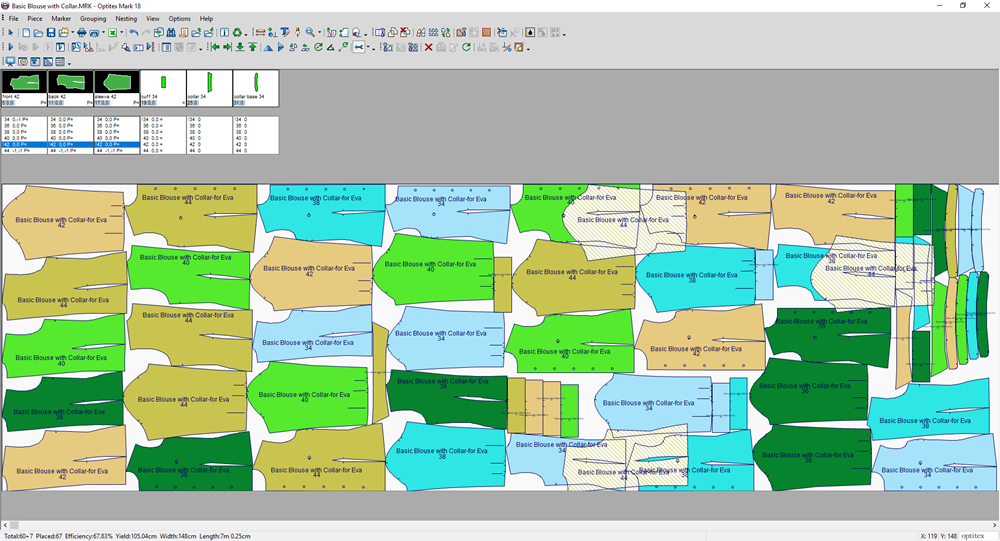
Duplicate and Resize Selected Bundle
You can use the Duplicate and Resize Selected Bundle option when you want to select pieces from the next size and place them on the table while preserving the relative arrangement of the selected pieces.
Icon & Location
-

-
Menu: Grouping > Bundles > Duplicate and Resize Selected Bundle
To use the Duplicate and Resize Selected Bundle option:
-
Open the Marker.
-
Create/Open a file:
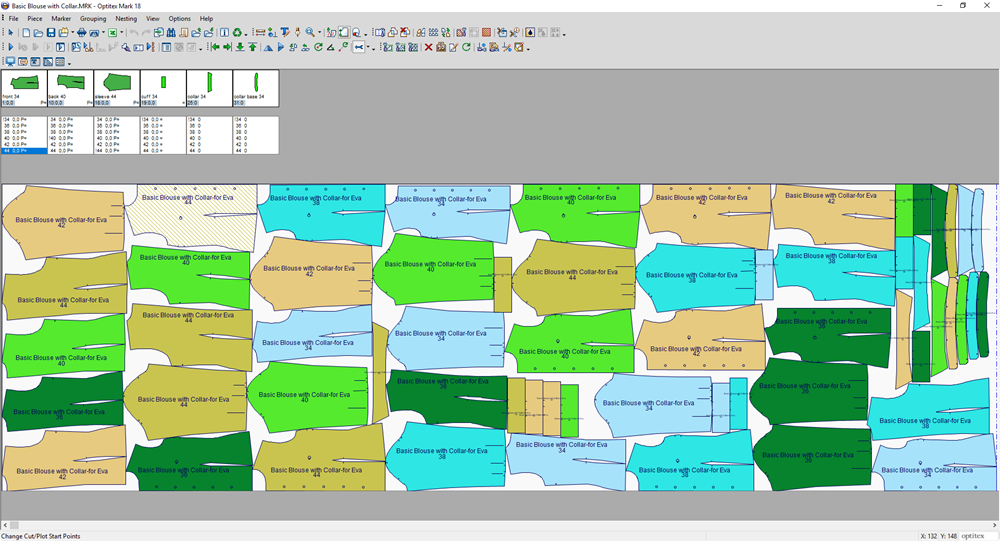
-
Select pieces from a single bundle. For example, select three pieces that are size 42:
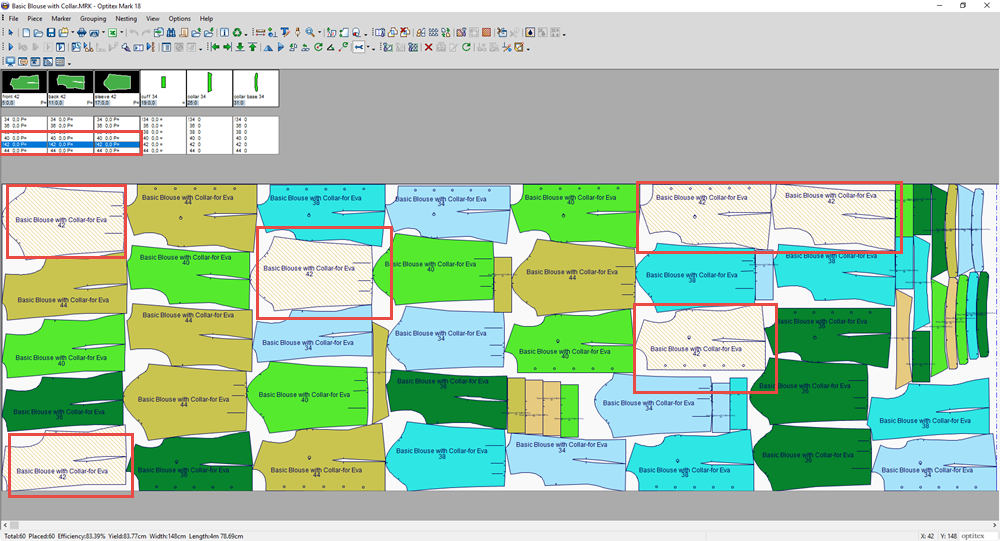
-
From the main menu, go to Grouping > Bundles > Duplicate and Resize Selected Bundle.
Notice the pieces are duplicated and appear in the next size 44: